Skip hire and clearance.
Built for a sector where the customer wants two facts fast, which size, and what they are not allowed to put in it, and most sites bury both. A real preview build, made before anybody had paid anything.
01The homepage
A tool, not a brochure. Pick a size and the rest follows.
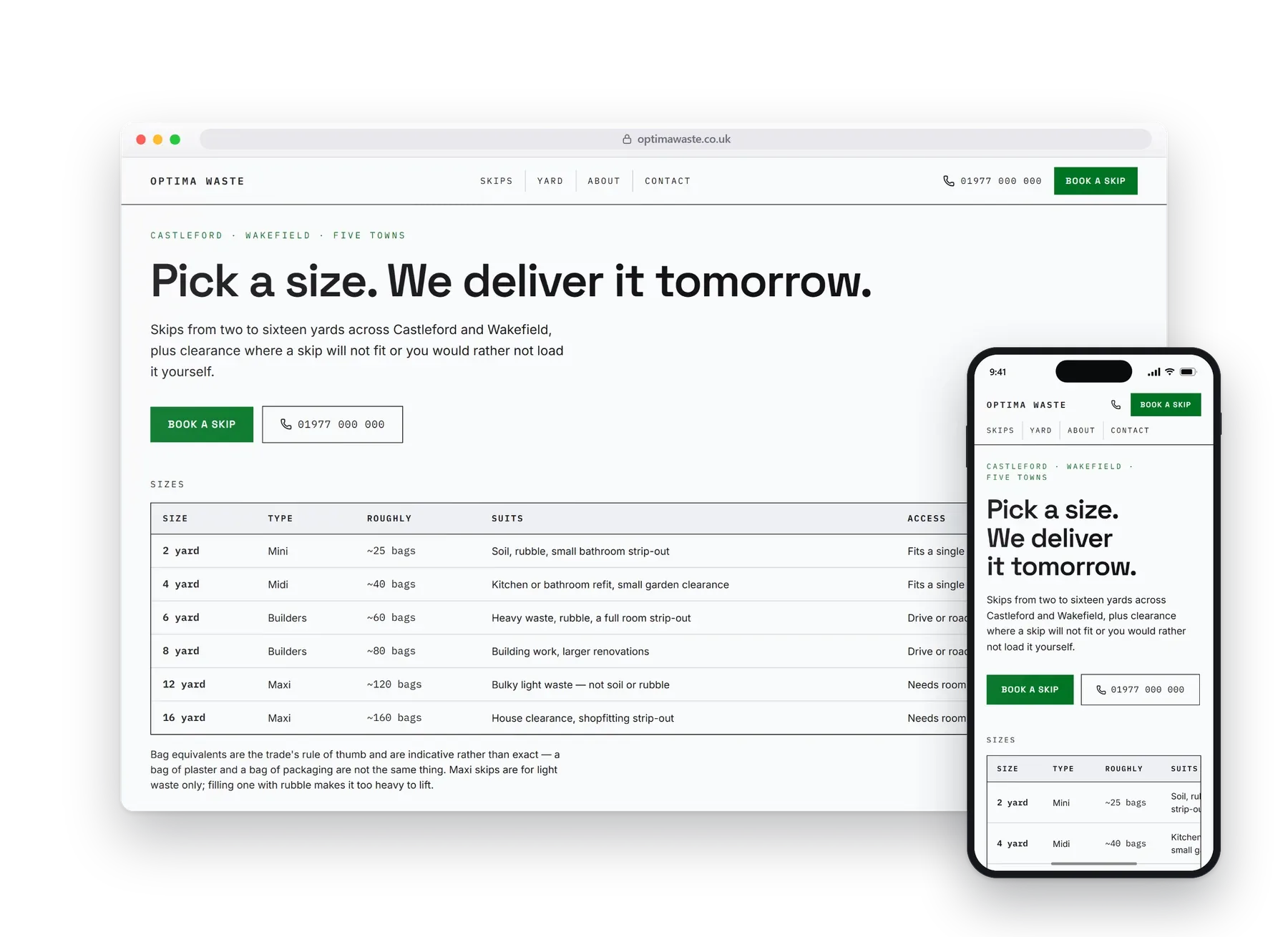
Skip hire is a decision often made in under a minute, so the hero is a real specification table rather than a photograph: every size, its capacity and what it suits, in figures you can line up. What can and cannot go in sits right beside it, because that is the second thing everyone asks.
Monospace figures and a spec table for a hero, so the numbers actually line up.
02What it does
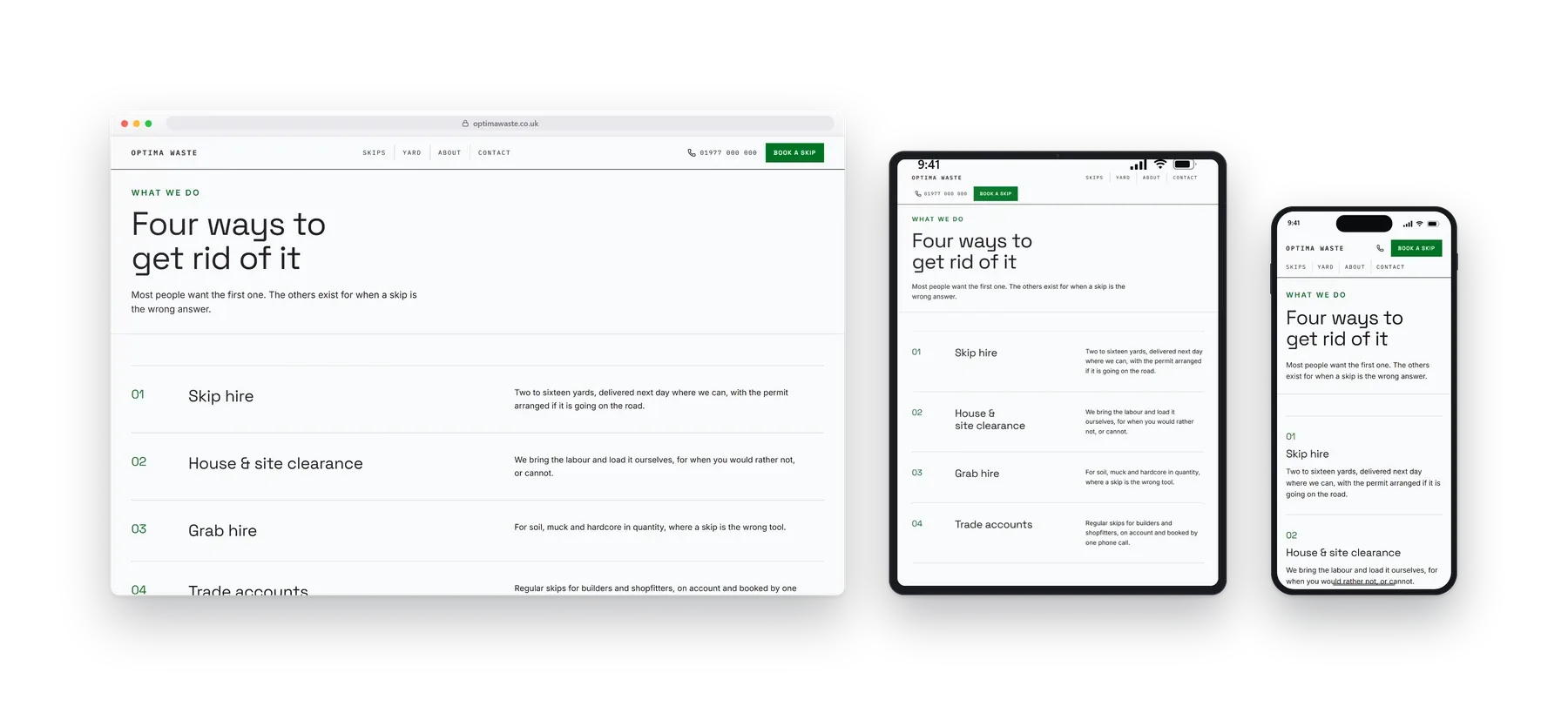
Four ways to get rid of it.
Skip hire, house and site clearance, grab hire, and trade accounts. Most people want the first, and the others are there for when a skip is the wrong answer.
Skip size table
What can go in
Clearance
Grab hire
Areas covered
03On a phone
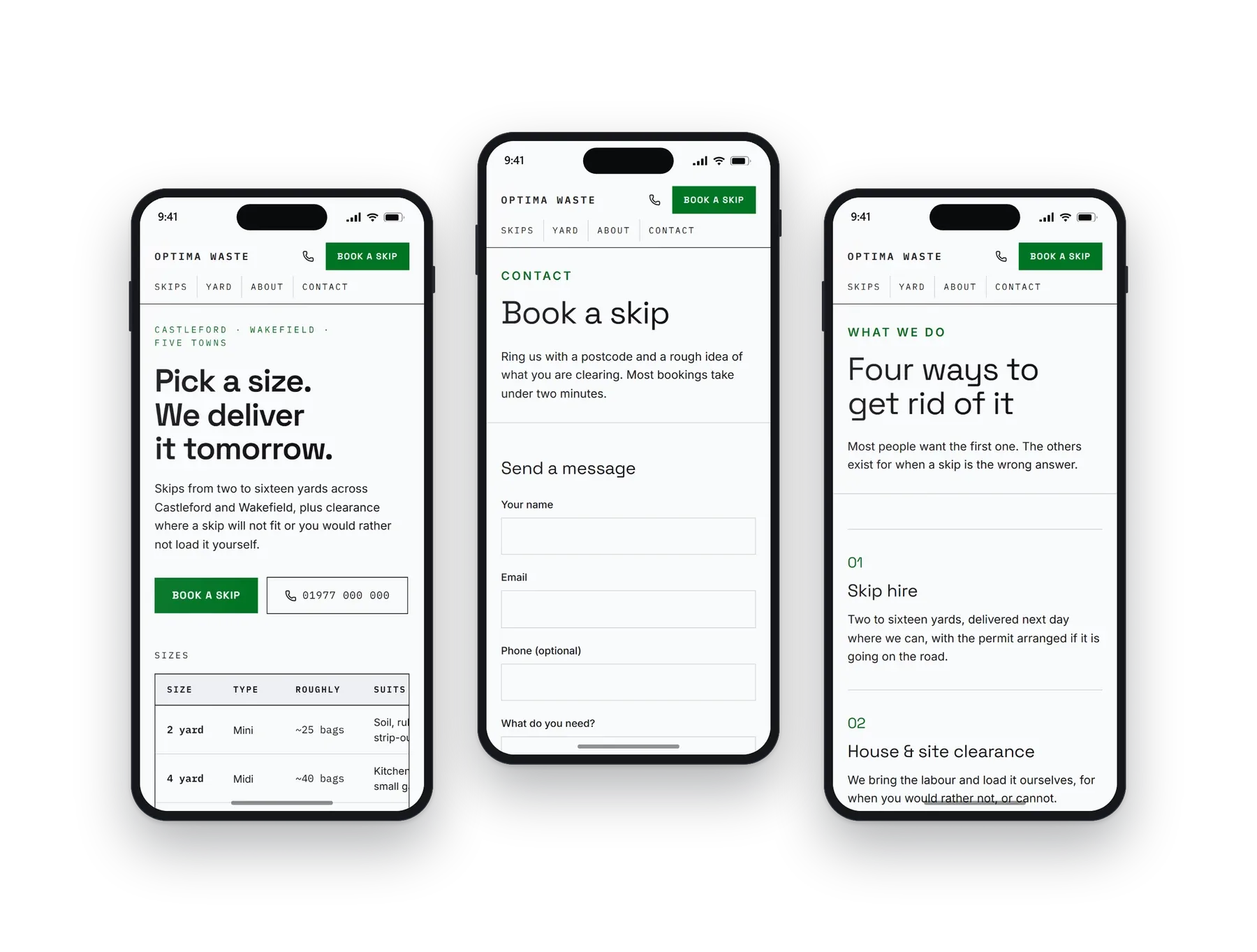
Most people will see this one.
Booked from a phone standing next to the pile that has to go. The table scrolls rather than shrinking to nothing, and the size you pick is one tap from a delivery date.
04Other builds
Have a look at the rest.
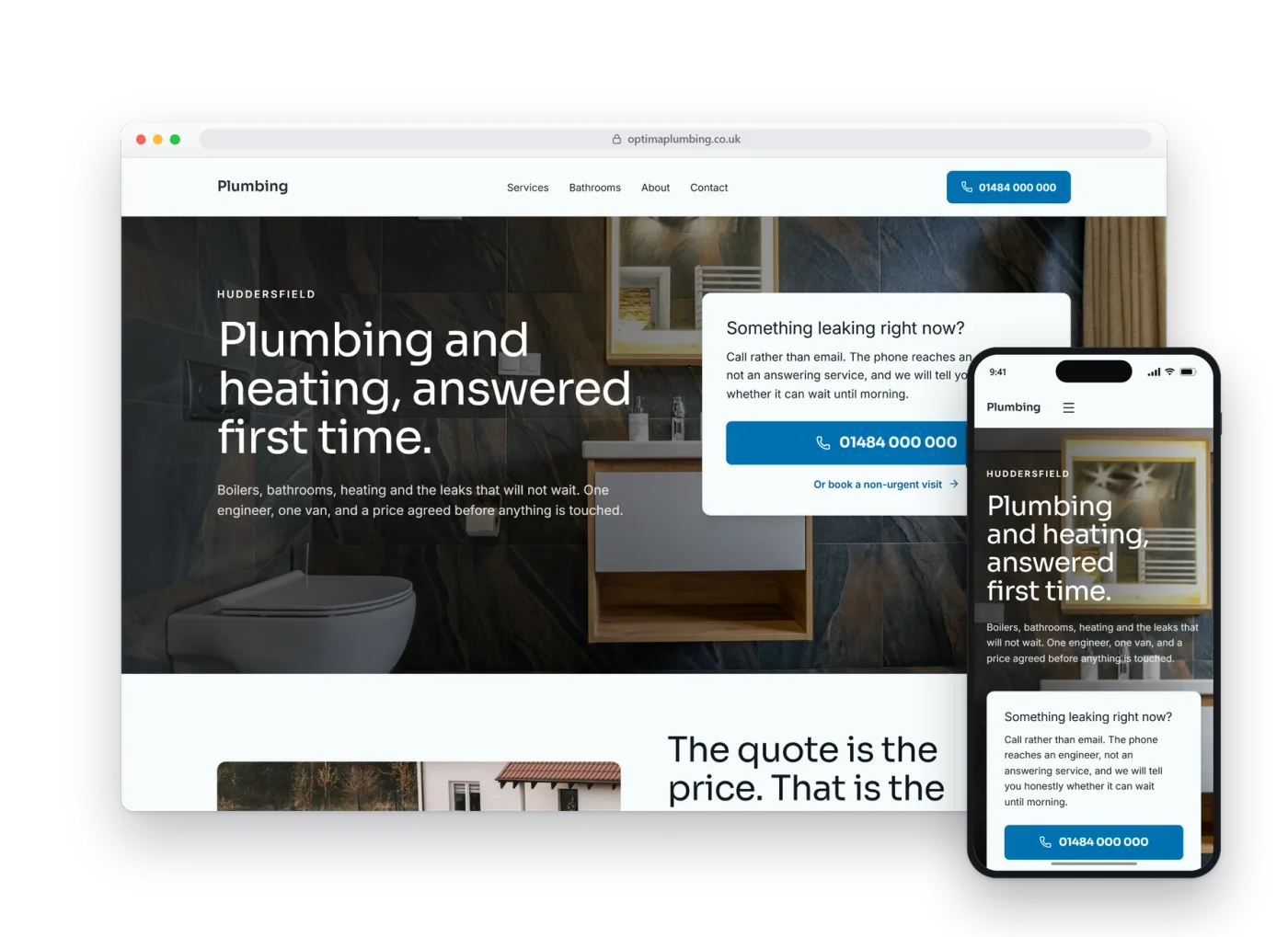
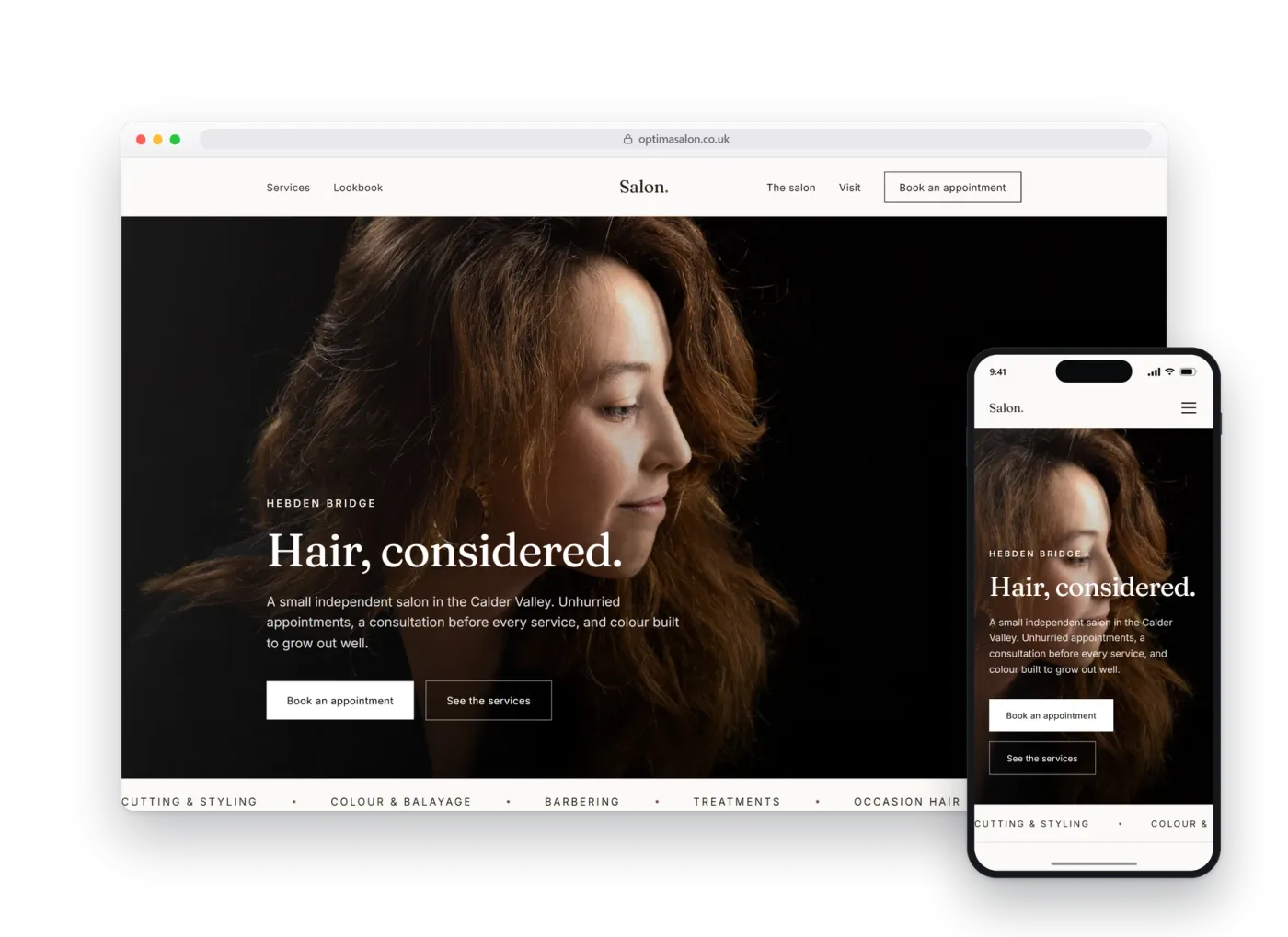
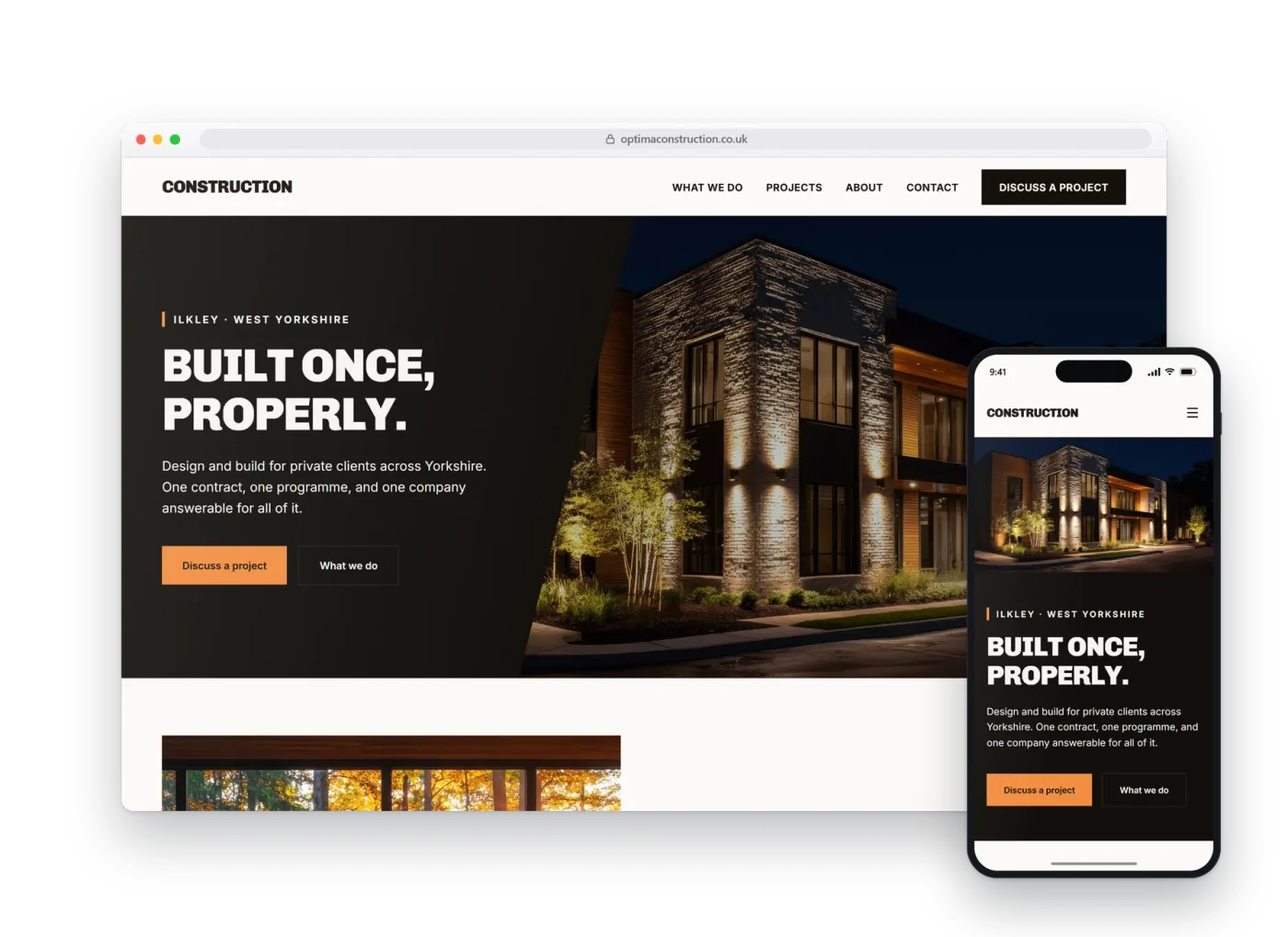
Each design, layout and language pattern is sector-specific and tailored to each business. We do not simply provide the same template with the colours changed.